
5 powerful May updates now available in Campaignswell
Hi there 👋
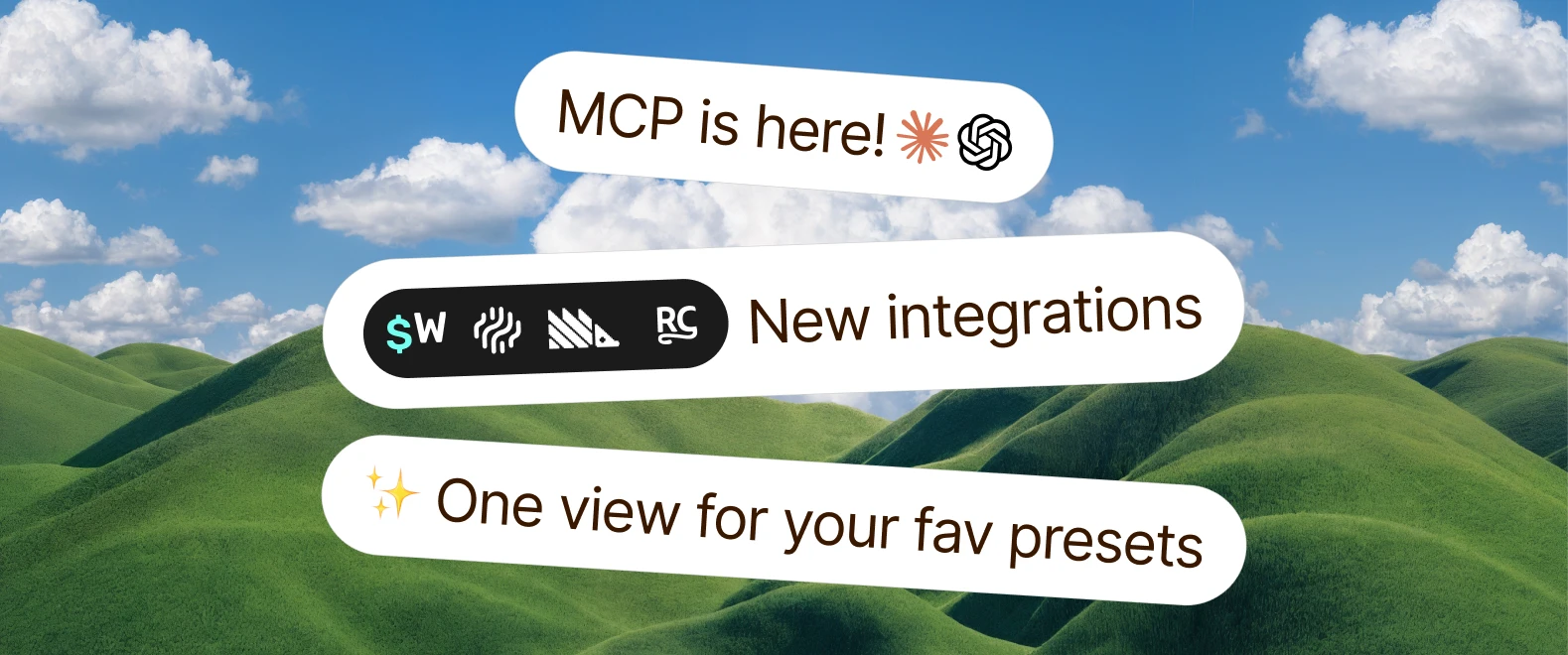
A lot happened in Campaignswell in May: easier access to your favorite presets, a new Dashboards view that brings everything together, new integrations, and Campaignswell is now available in Claude and ChatGPT. Quick tour below!
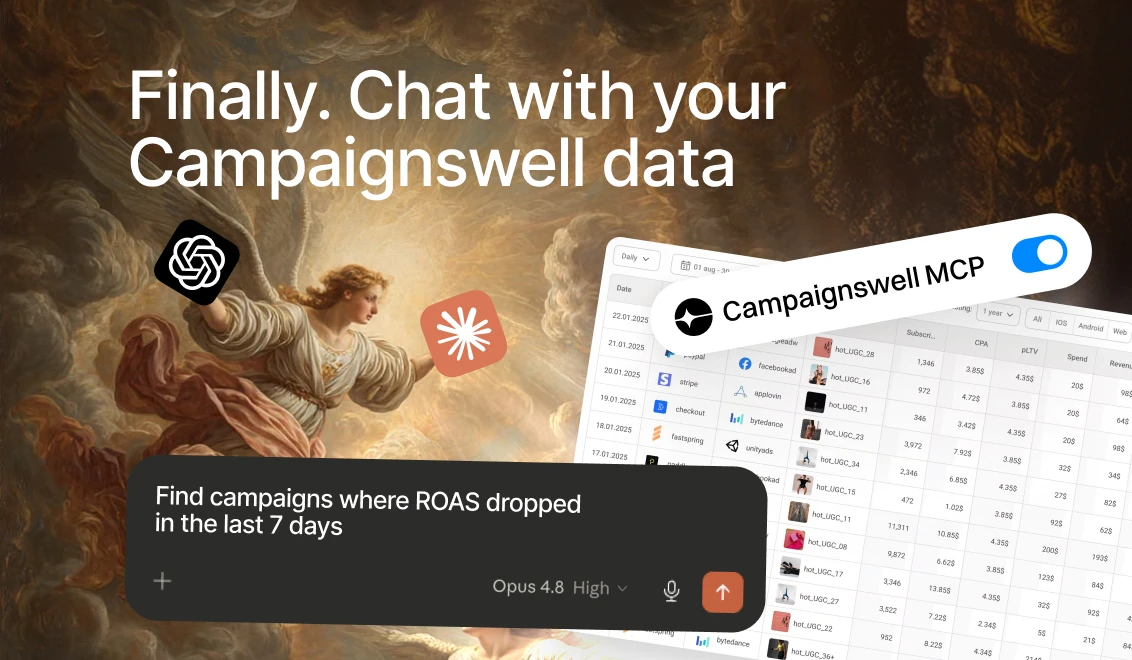
MCP is here! ⚡ Campaignswell is now available in Claude and ChatGPT
You can now connect Campaignswell directly to Claude and ChatGPT and ask any question about your data right in the chat.
From simple ones like "give me the top 10 campaigns by ROAS for the week" to more advanced — "build a pROAS chart by week for the quarter" or "find campaigns where I can increase budget without losing ROAS". More example questions are in the docs below.
How to connect
Request access from your CSM.
Setup guides for both ChatGPT and Claude, plus how-to examples, are here: https://www.campaignswell.com/docs/campaignswell-mcp
Give it a try and let us know how it goes!

Dashboards: your key presets in one view
You can now build Dashboards — a single page that brings together your most important presets and reports side by side. Pick the presets you want to track, drop them into a dashboard, and check everything at a glance.
Why it matters. Instead of opening five different presets every morning to see how things are going, you open one dashboard. Great for daily tracking, weekly reviews, or sharing a snapshot of performance.
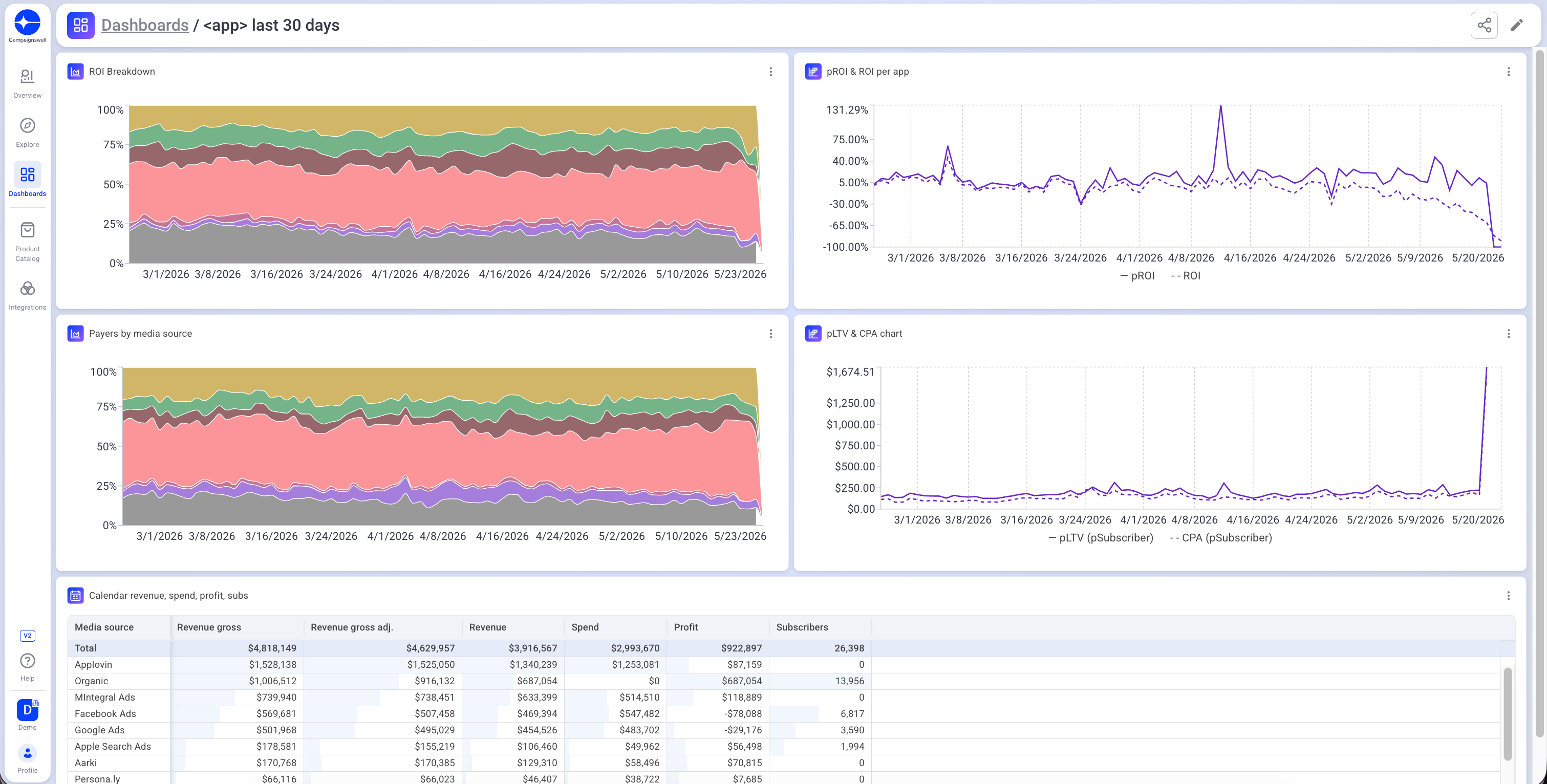
How it works. Open a dashboard in edit mode, click + Add Widget to drop in a preset, or use the trash icon to remove one. Rearrange widgets however you like, then hit Save and Finish.
Note. Before a preset can be added to a dashboard, it needs to be saved from its own page. Once saved, it becomes available in the widget picker.
Pin your favorite presets
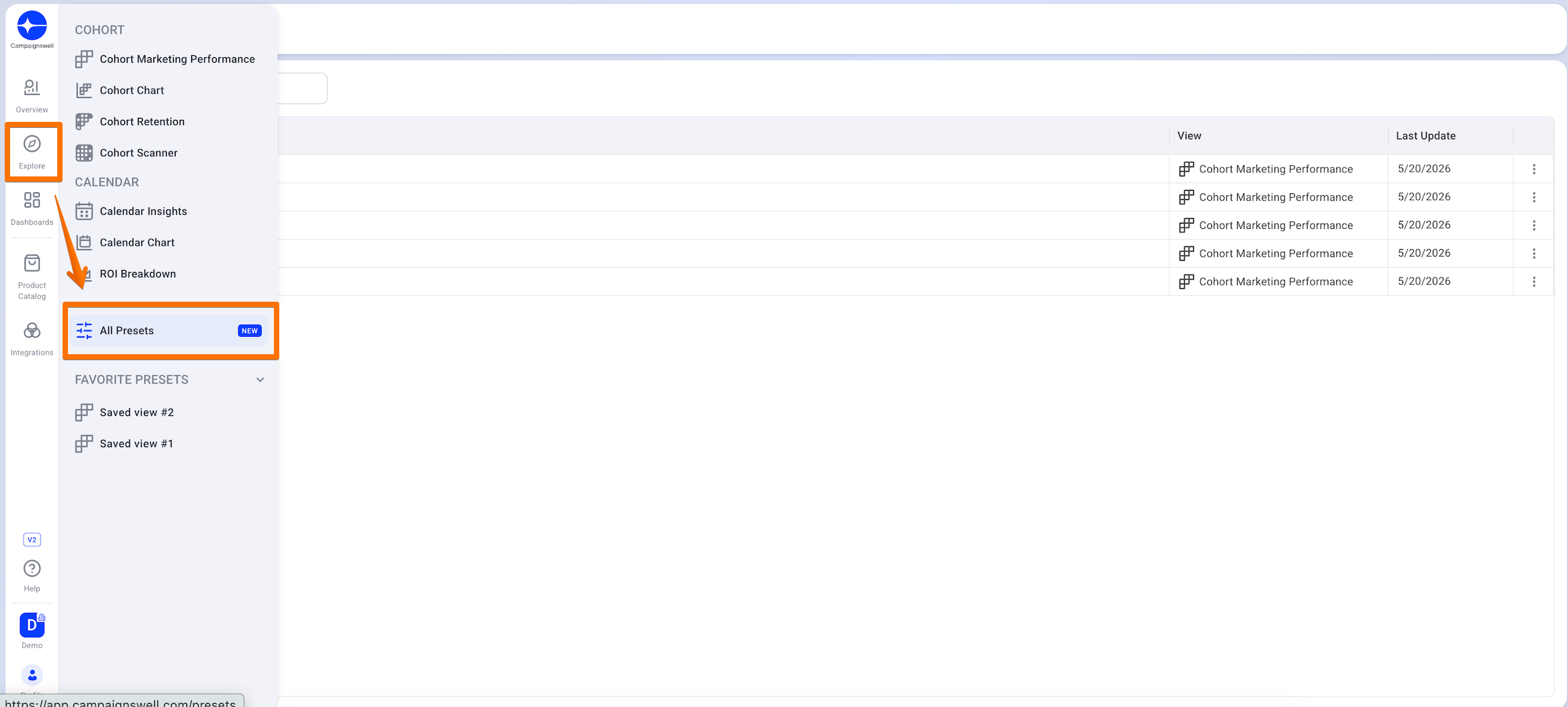
You can now mark any preset as a favorite. Favorites appear right in the side panel — always one click away, no matter where you are in the app.
Why it matters. If you regularly check the same presets — say, a marketing performance cohort or your retention dashboard — you no longer have to dig through the full preset list. Open the side panel, and they're already there.
How to mark a preset as favorite. Open the preset, click the Save icon → Name the preset → Mark as favorite, and it appears in your side panel from then on. You can unmark it from Favorites by editing the preset in the presets list.
A dedicated page for all your presets
We've also added a new page where you can see every preset in one place — your personal presets, presets shared with the entire organization, and (coming soon) presets shared specifically with you.
Why it matters. No more scrolling through endless lists or hunting for that one preset a teammate sent you weeks ago. Everything lives in one structured place.
New integrations: RevenueCat Billing, Superwall, AppStack, Posthog
We've added new integrations this month - RevenueCat Billing, Superwall, AppStack and PostHog! All of them can be connected from your integrations page. Reach out to your CSM if you're interested to learn more!
Want to see all available integrations? Check our integrations page for the full list.
---
There's more in the works. We'll share updates as new things ship.
The Campaignswell team

Co-founder & CEO at Campaignswell
Book a demo


Co-founder at Campaignswell
Use the session to ask your hardest questions about scaling, LTV, or attribution, and see how full-funnel predictive analytics gives you clear, actionable answers.
.webp)