/
Attribution
/
Mobile
/
Adjust
How to Integrate Campaignswell with Adjust Callback API
Step 1. Open Server Callback Setup
- In Adjust, go to your app card or open the Data Management tab
- Under Server Callbacks, click “Add Callback → Guided Setup”

Step 2. Choose Callback Triggers
In the Callback Trigger list, select the events that should trigger the callback:
- ✅
install - ✅ All events from your SKAN schema
- ✅
cw-subscribe(after your team implements this event) - ✅
cw-nrc-purchase(after your team implements this event)

Step 3. Enter the Server Endpoint
In the Server Endpoint field, paste the endpoint URL from the Campaignswell integration manua
Step 4. Select Required Placeholders
Make sure to include the following data placeholders for each callback:
- Apple Search Ads
- Attribution Settings
- Engagement Data
- Google Ads
- SKAN Advanced
- SKAN Essentials
- TikTok
- Snapchat
- User Data


Step 5. One Webhook per Event
Each event selected will result in a separate webhook being created in Adjust for that specific trigger

Find your Adjust API token
Before you can start making API calls, you first need to find your Adjust API token. You can find your Adjust API token in your Adjust dashboard.
Your Adjust API token is located in your profile. To find it, follow these steps:
- Select the settings icon in the bottom left corner.
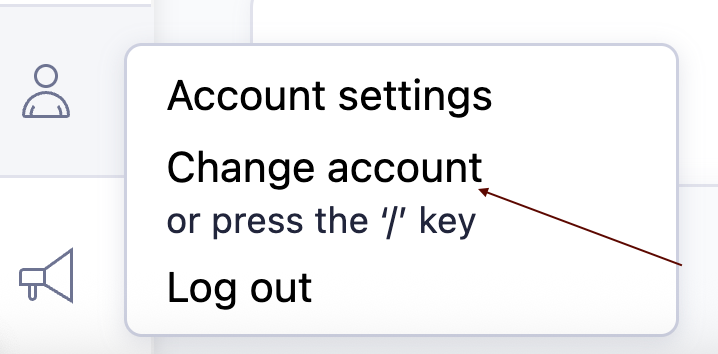
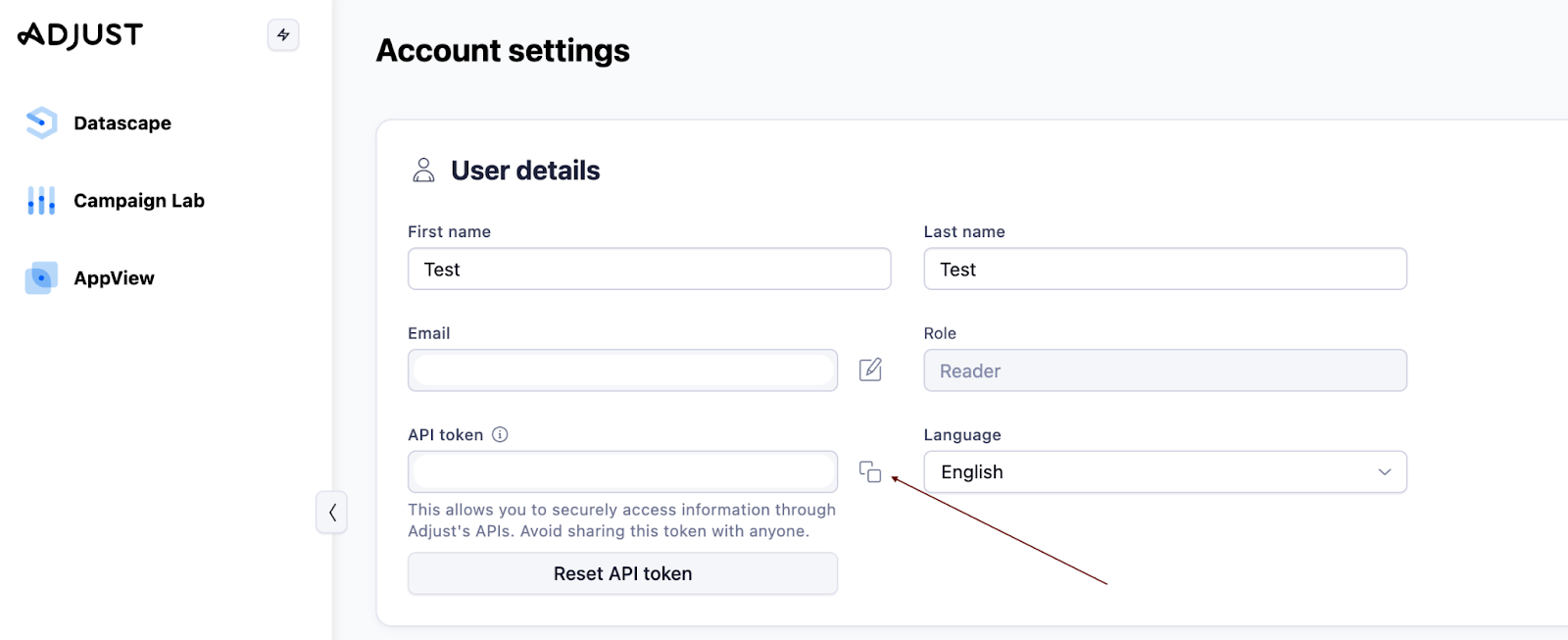
- Select Account settings. Your account settings page opens.
- Select the My profile tab.
- Your API Token is shown with your User Details. Select the copy button to copy the token to your system clipboard.
If you have access to the several Adjust account with in the email please also add account id.
- Select the settings icon in the bottom left corner.
- Select Change account.
- Copy numeric account id from the drill down menu: example 23466