
/
Monetization data
/
Subscription and in-app
/
Solidgate
How to integrate Solidgate API
1. Go to the Solidgate HUB sign in with your merchant credentials
2. Navigate to the Developers Section
Once logged in, find and click on the Developers section in the main navigation menu.
3.Access Channel Details
Within the Developers section, select the specific Channel you want to set up webhooks for. This will take you to the Channel details page.
.png)
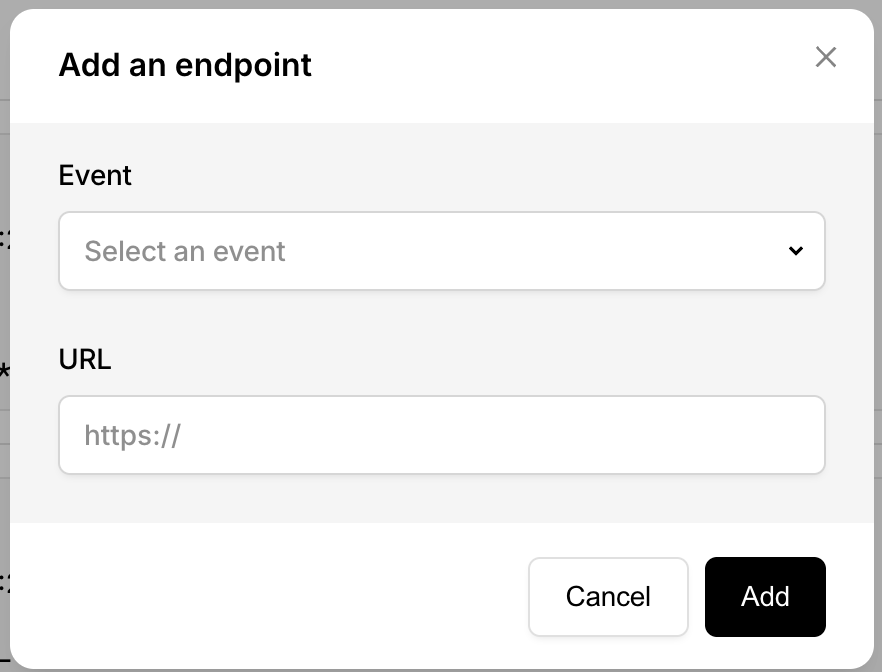
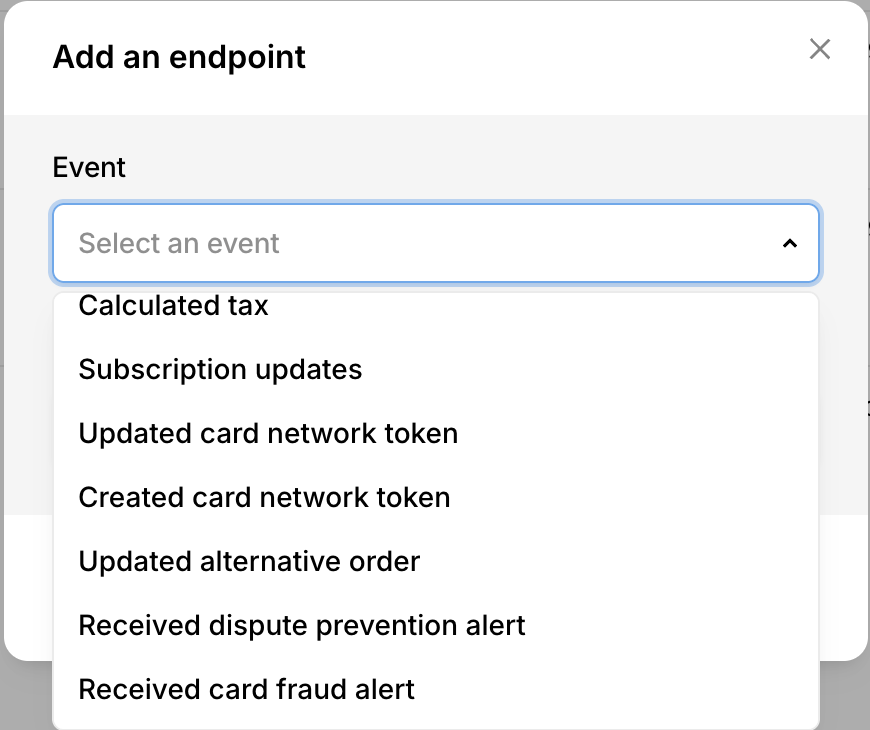
Select the following events
- Calculated tax
- Subscription updates
- Updated alternative order
- Received dispute prevention alert
- Received card dispute
- Received PayPal dispute
- Updated card order
- Updated subscription (legacy)
4.Locate Your API Keys
On the Channel details page, look for the API Keys section. Here, you will find Public and Secret key
.png)